How to display tooltips on disabled buttons in CSS/HTML?

The way to do this is to create a new css class for your disabled buttons like this:

// CSS
.disabled-button {
    opacity: 0.5 !important;
    cursor:default !important;
}
// HTML
<button type="button" class="disabled-button data-tooltip-toggle="toggle" 
title="MY TOOLTIP!"</button>                                            

And then in your JavaScript button handler just ignore clicks from buttons with class of disabled-button.
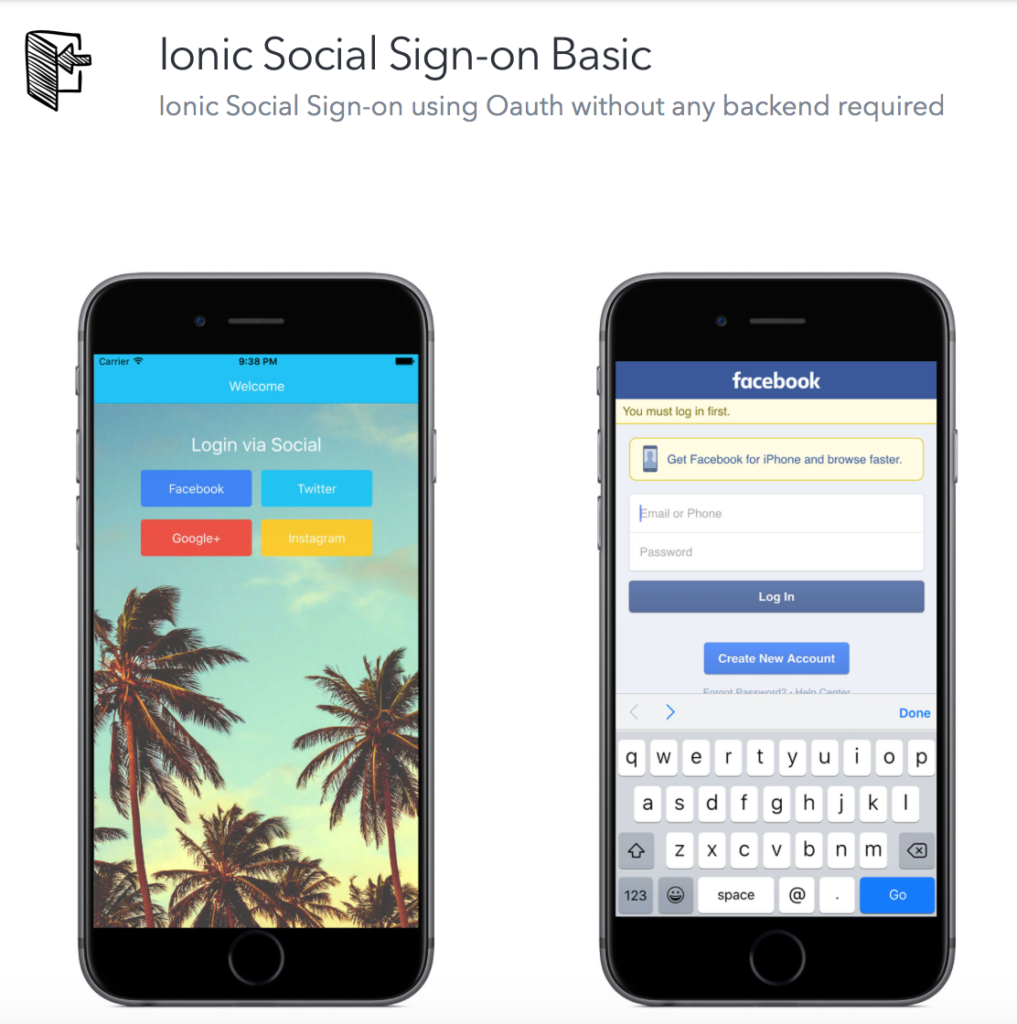
Ionic Social Login Basic Starter

I recently published an Ionic Starter Template for Social Sign-on that does not require a backend service. This is great for those apps that have their own backend already ready or are making apps that do not require a backend.

Ionic Social Login Basic

You can check it out on the Ionic Marketplace

How to Deploy Your Ionic Node.js app to Heroku

In this tutorial I will explain how to deploy one of my Ionic starters to Heroku with Dropbox. Both dropbox and heroku have a free tier that you can use. If you get serious about your app you can upgrade to heroku professional account which is similar to Amazon’s service but much easier to use.

Prerequisite: Sign up for dropbox.com and download their desktop client. Use one of my ionic starters with a node.js backend or use your own node project.

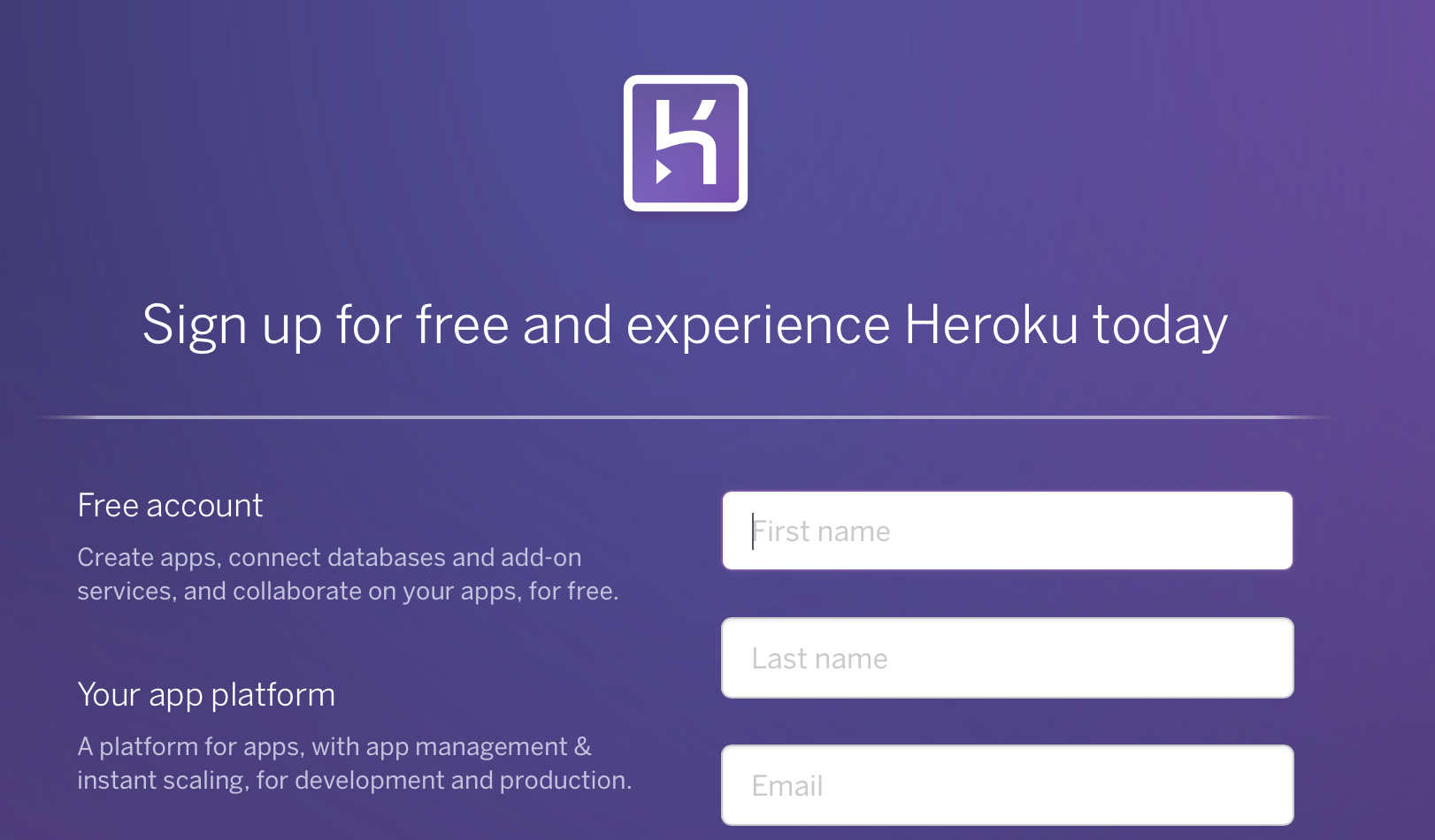
1. Create an account on Heroku.com

Screen Shot 2016-04-25 at 11.42.05 AM

Continue reading